Printing Notifications
🔔 How Notifications Work
- An order is created and added to the printing queue.
- After ⏱️
2 minutes, the system checks whether the order has been printed. - If the order is still not printed:
- A notification sound plays.
- A desktop notification appears on the screen.
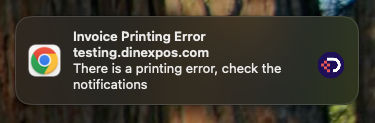
- When you click the notification:
- The Notification Center opens.
- You can see all order details.
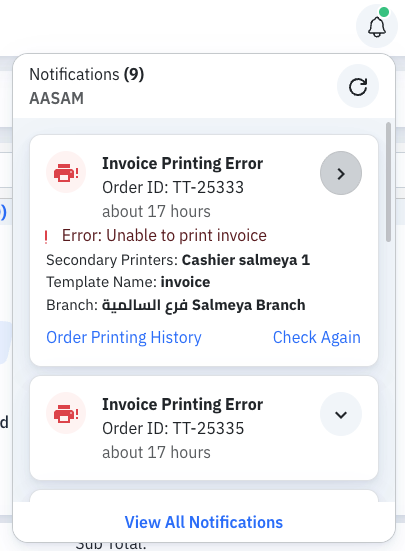
✅ What to Do When You See This Notification
When the notification appears, please check the following:
-
🖥️ Desktop Agent
- Make sure it is running correctly.
-
🖨️ Physical Printer
- Check if the paper has finished.
- Check for any printer errors or issues.
Fix the issue, then ensure the order is printed successfully.